CANVA
Step 01: Go to Template
Step 02: Load the Template
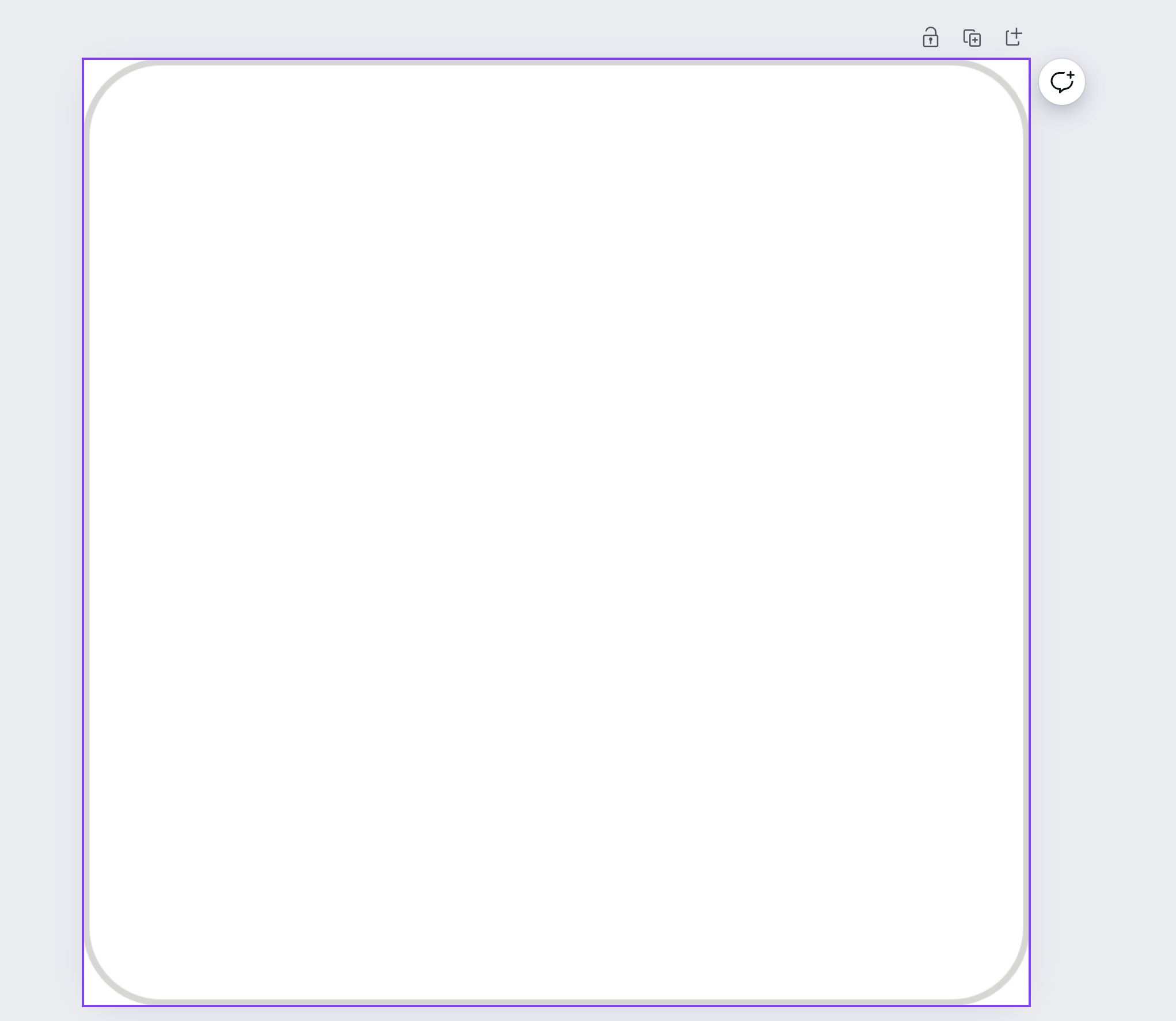
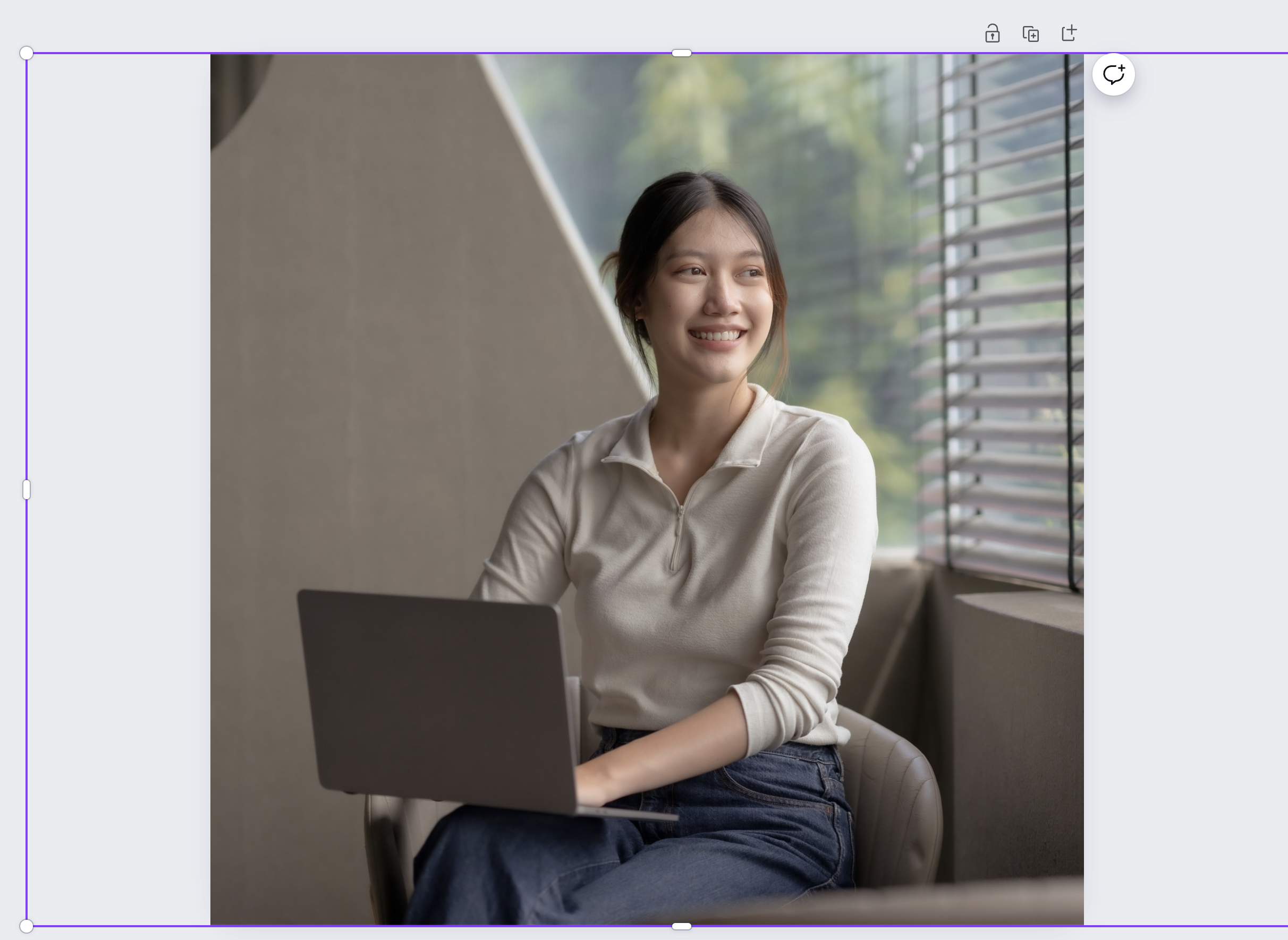
Step 03: Drag and drop a photo from your computer to the Canva Canvas and resize it so it fills the whole canvas
Step 04: Then Right Click and go Layer>Send to Back
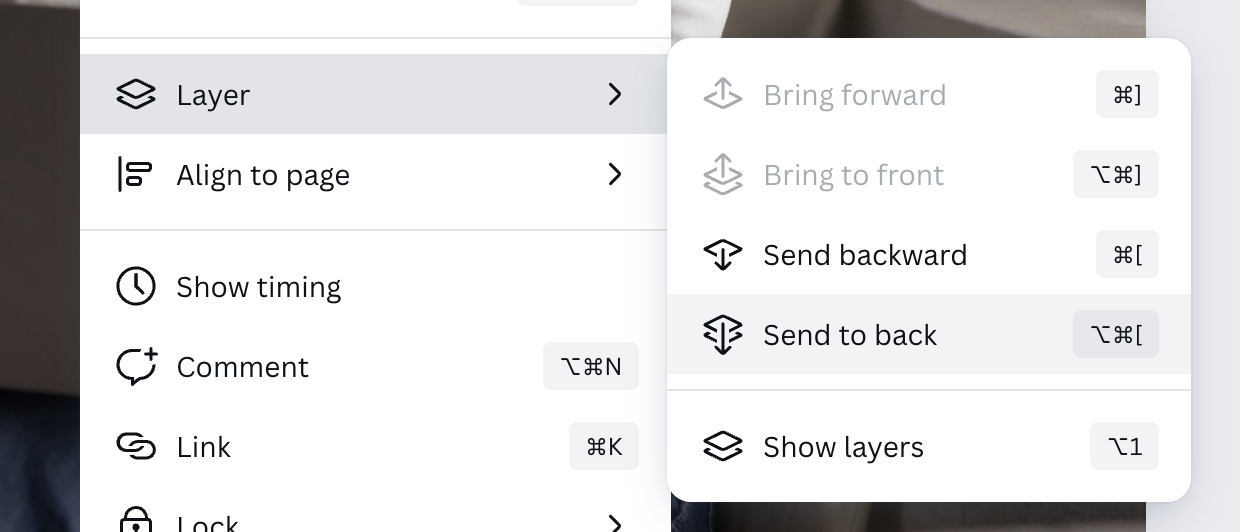
It is now ready for Export

Step 05: Export.
Go to the 'Share' Icon in the top Right hand corner of Canva and then go Download.
Then put the following settings into Canva
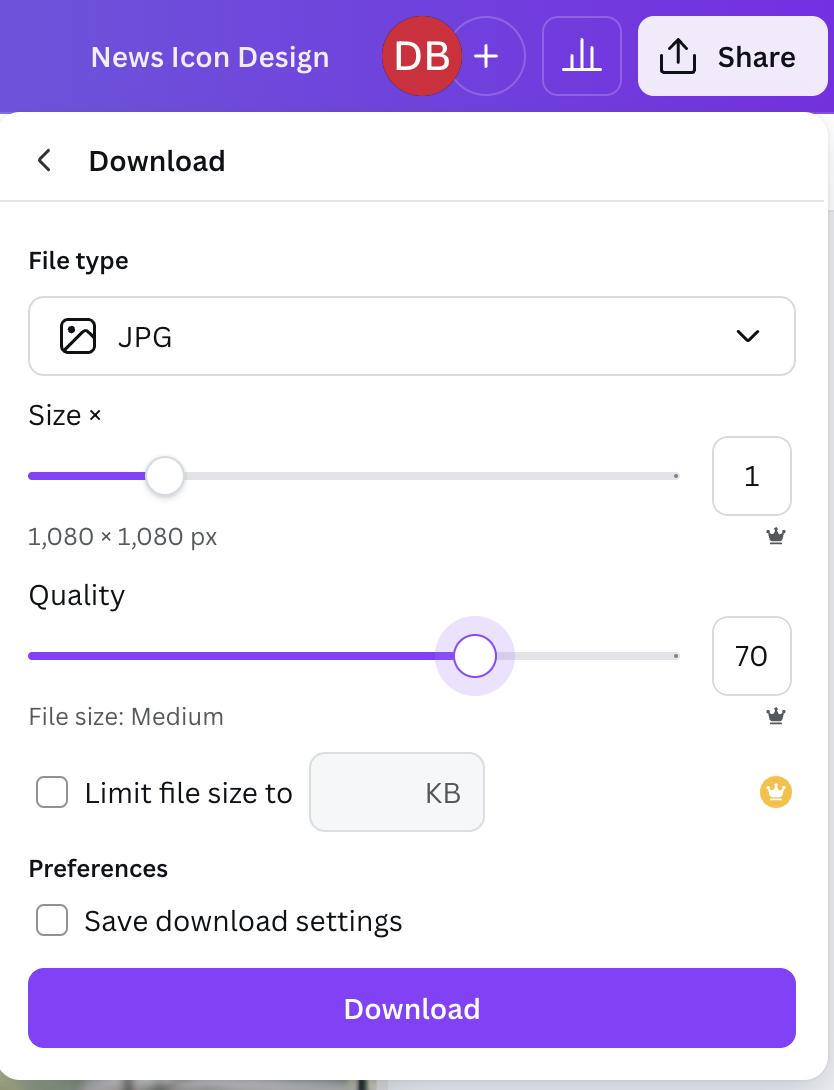
Then hit Download.
Click on any of the below icons to learn more. With more tutorials coming soon.