Handbrake
To load video into YourSchool you will need to use the Handbrake app. Handbrake optimises video for websites and means that you don’t have to host your videos on YouTube or Vimeo which will radically reduce the quality of your video for playback.
Step 01: Download Handbrake
Step 02: Download the YourSchool Video Preset for Handbrake
Step 03: Install Handbrake on your computer
Step 04: Unzip the YourSchoolVideo Preset .zip
Step 05: Go to Presets > Import
Step 06: Then select the YourSchool1080p.json file
Step 07: Select the video you want to convert. Drag and drop the video from your folder to Handbrake
Step 08: Underneath the 'Title' you'll find 'Preset' scroll down to 'My Presets' and select 'YourSchool1080p'
Step 09: Choose where you want to save your video by clicking 'Browse' in the bottom right hand corner of the app. 
Step 10: Then Hit the Start button to commence conversion.
You're all done. You can now upload this video file into YourSchool.
Refresh on adding video
Step 01: Select a Video component by going to the Templates area and selecting the 'Media' templates folder. There you'll find scores of video templates like the one below:

Step 02: Drag the component onto your site's page and then click 'Settings' in the top left hand corner of that component. 
Step 03: Click 'Upload Video' and select the converted video you just made. IMPORTANT, then hit 'Apply' and then the 'Close' button in the bottom left corner of the pop up.
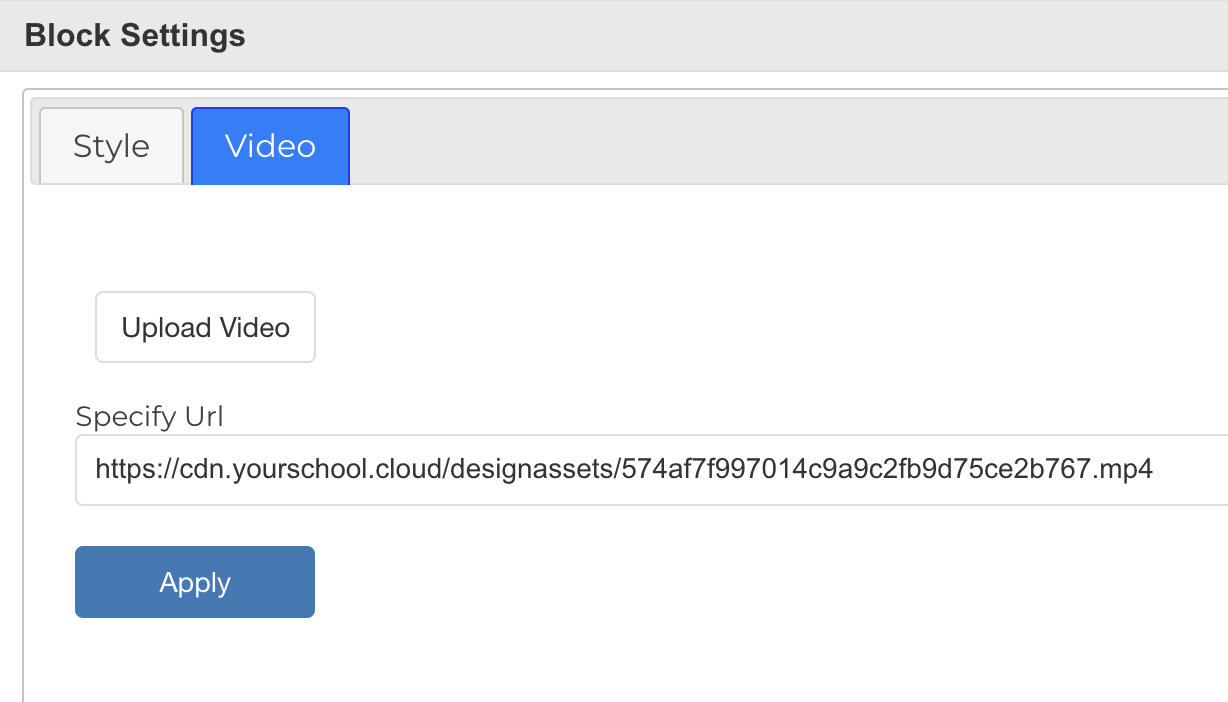
You're all done.
Most of our components are designed for 16:9 or 1920x1080 Video which is the most common video format.
Tip: Make sure you select the correct template for the type of media you are adding. Most of our components are designed for 16:9 or 1920x1080 Video which is the most common video format. Here is a quick guide below which explains the types of video template we have.

16:9 components will require either 16:9 video or 1:1 (Square) video. Keep in mind any square videos uploaded into 16:9 components will stretch, so they may be pixellated.
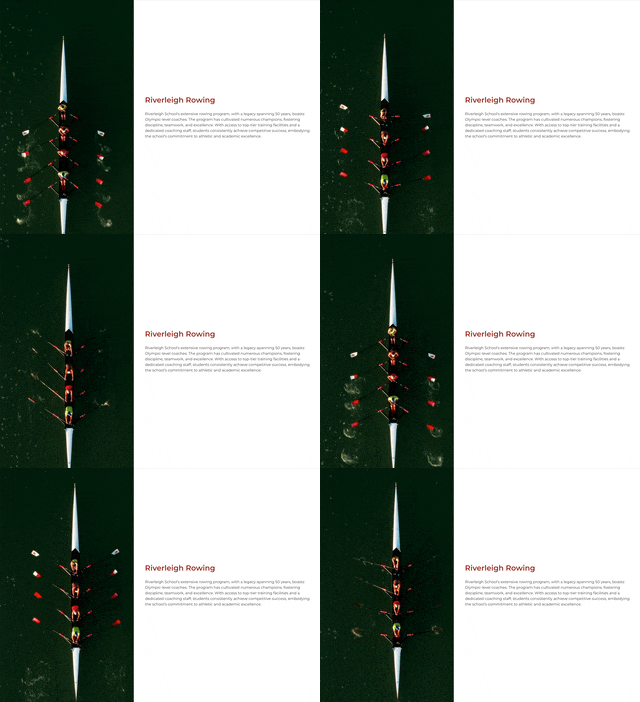
There are currently only two Vertical Video components in the 'Media' templates area. These have a rowing team in them. You will need to load a 9:16 (Vertical) video into this component for it to work properly.

You need to load 1x1 Content or 1080x1080 content into this video template for it to size correctly.
Click on any of the below icons to learn more. With more tutorials coming soon.